

Press kit
Everything you need to write about Pinned, without emailing anyone.
Pinned is a macOS menu bar app that shows what a connection is actually doing, read from counters the Mac already keeps. Version 1.1 makes the readout modular, adds the Mac's own vital signs to the panel, and ships in thirty languages with the numbers themselves formatted for the reader.
- Version
- 1.1
- Platform
- macOS 13+
- Architecture
- Apple silicon, Intel
- Price
- Free. Pro USD 4.99/yr
- Languages
- 30
- Developer
- BHD, Muscat, Oman
01 Facts you can quote
Every line here is checkable, which is the point. Copy anything; the button puts it on your clipboard exactly as written.
One line
Pinned turns the counters macOS already keeps into a menu bar you arrange yourself, in thirty languages, without an account or a background helper.
Short description, 40 words
Pinned is a macOS menu bar monitor. It reads the byte counters your Mac already keeps and draws live download and upload speed, then adds latency, packet loss, CPU, memory, storage, battery, uptime and weather if you want them.
Boilerplate, 90 words
Pinned is a macOS menu bar app that shows what a network connection is actually doing. It measures rather than tests: nothing is fetched to produce a number, and the readout comes from counters macOS already keeps. The menu bar is modular, so thirteen readings can be arranged in any order, and the panel adds the throughput chart, which app is moving the bytes, a data cap counted against a real billing cycle, and how the link behaves while it is busy. There is no account, no telemetry, no privileged helper and no kernel extension.
Price, exactly
Free to use. Pinned Pro is USD 4.99 a year, an auto-renewable subscription.
What is free, exactly
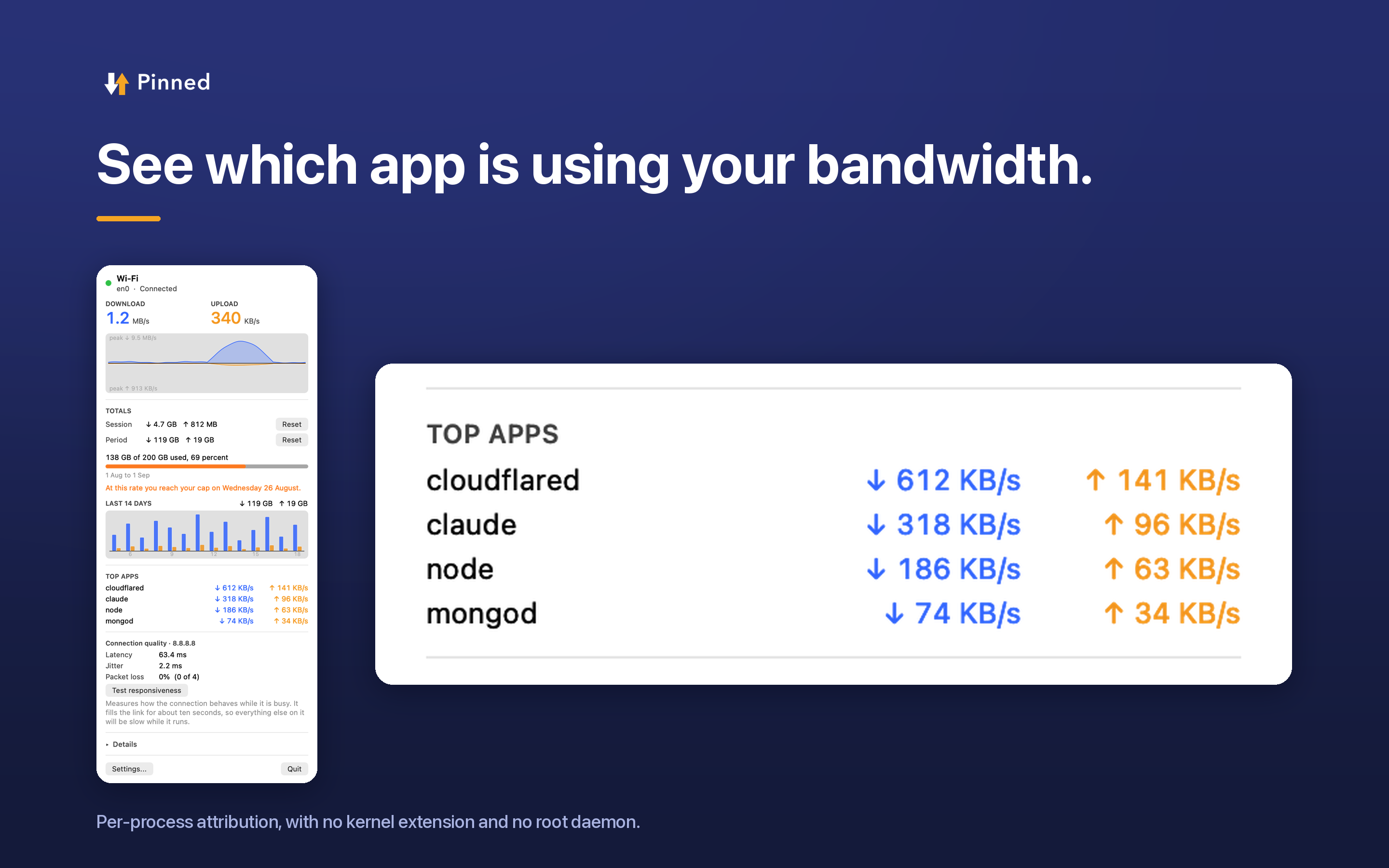
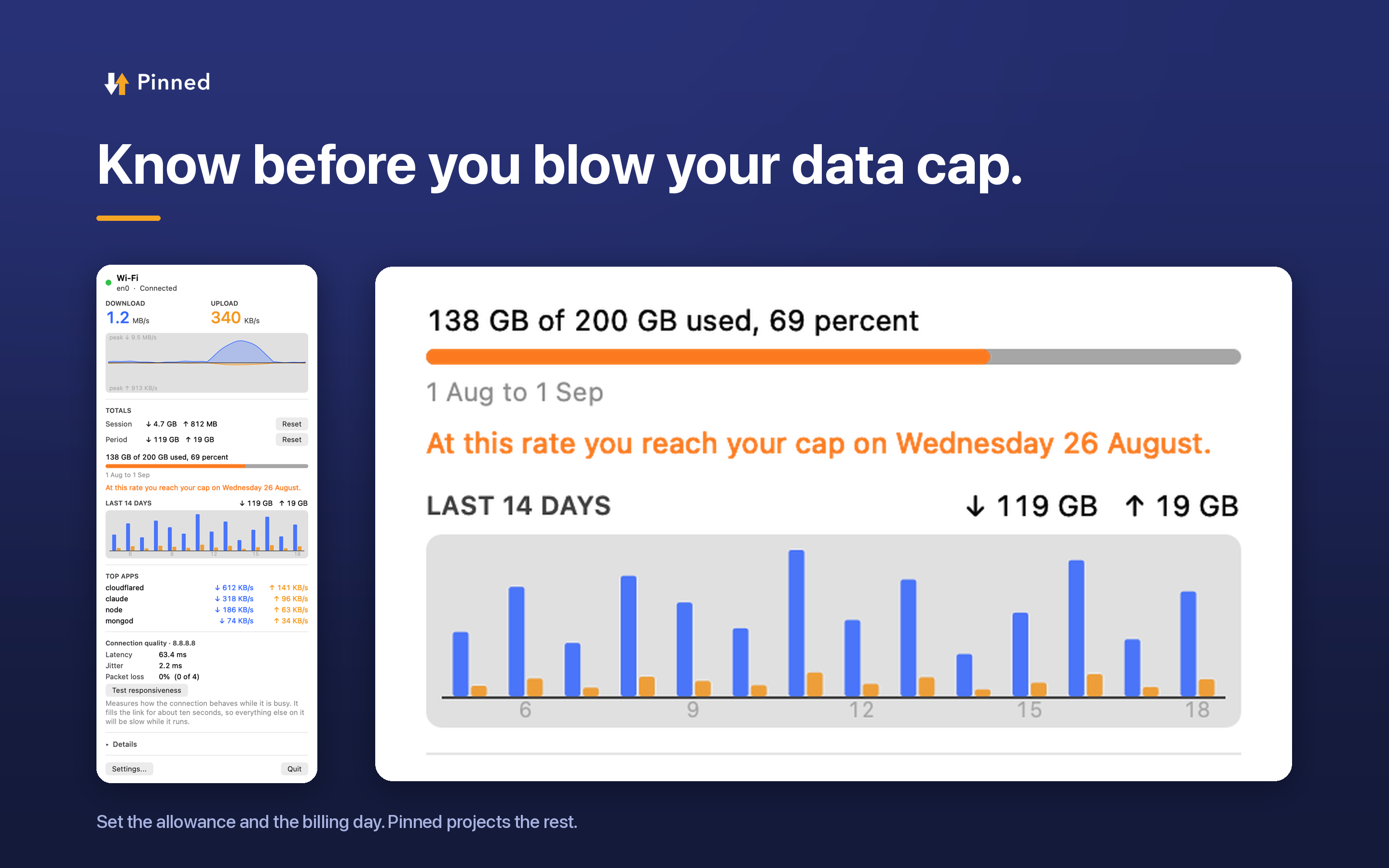
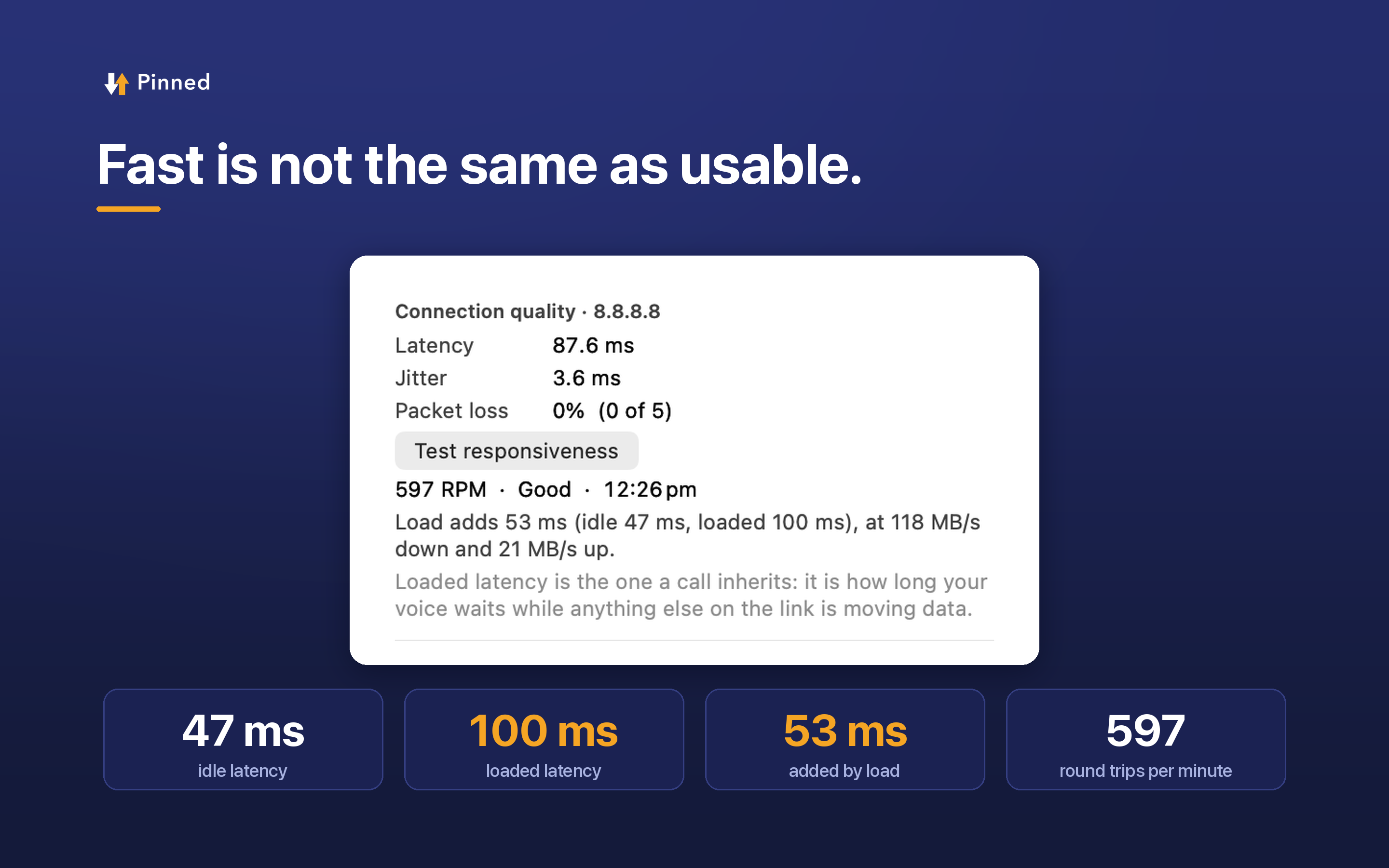
The menu bar readout and every one of its options are free, permanently. Pro adds per-app bandwidth, data caps, alerts, the responsiveness test and usage history.
Requirements
macOS 13 or later. Apple silicon or Intel. Mac App Store. Sandboxed.
App Store link
https://apps.apple.com/us/app/pinned-network-monitor/id6802430499?mt=12
02 What is new in 1.1
In the order a reader is likely to care.
The readout became modular
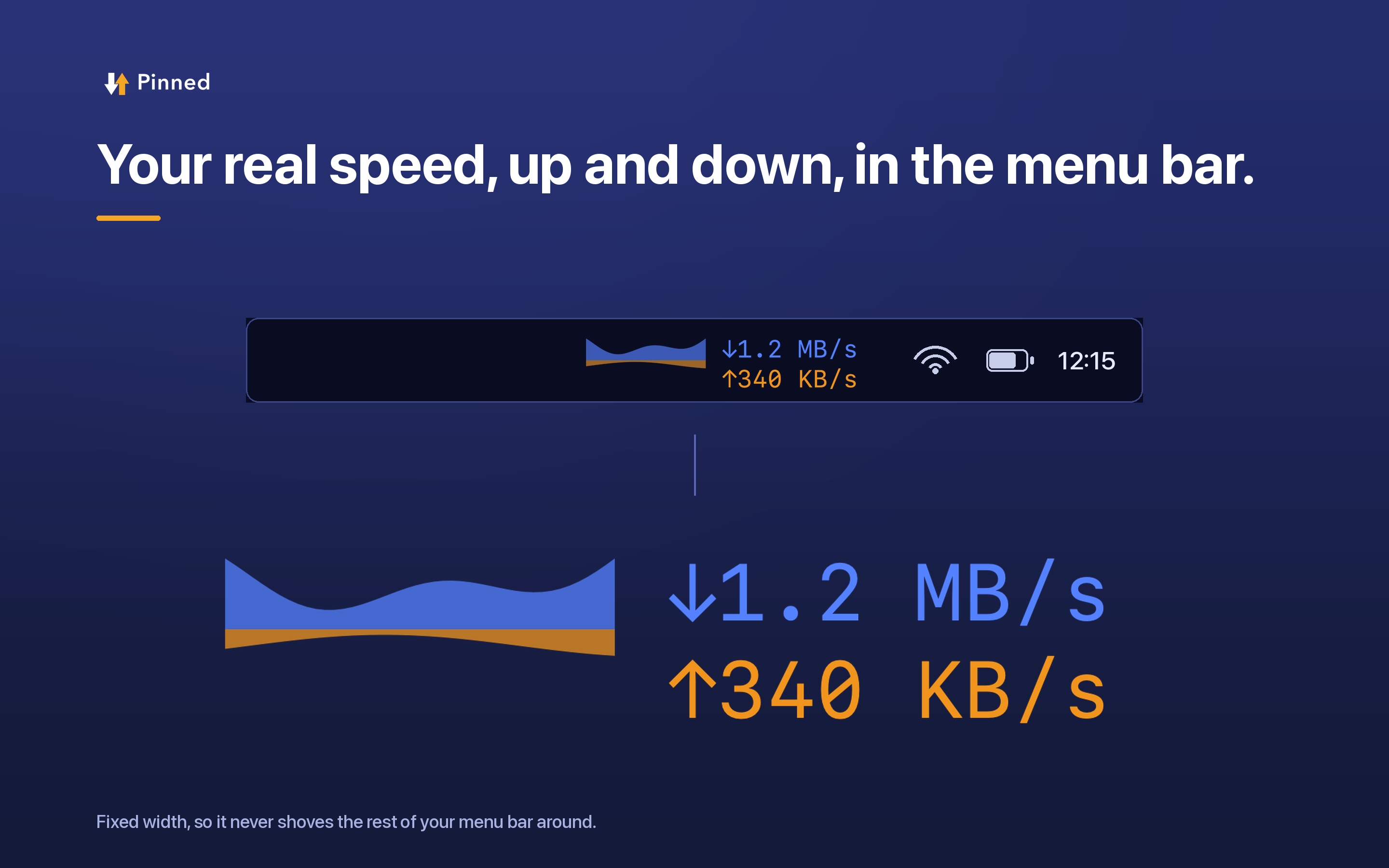
Thirteen readings, arranged and ordered by the user: download, upload, both combined, latency, packet loss, session and period usage, CPU, memory, storage, battery, uptime and weather. Each one reserves a fixed number of character columns, so a number changing never shoves the rest of the menu bar sideways.
Thirty languages, including the numbers
Not only the labels. The decimal separator, the digits and the percent sign follow the reader, so a German user sees 1,2 MB/s and an Arabic user sees Arabic-Indic digits inside a readout that mirrors right to left. Screenshots on the store are rendered from the real app in each language rather than mocked up.
Seven themes, and they style the panel too
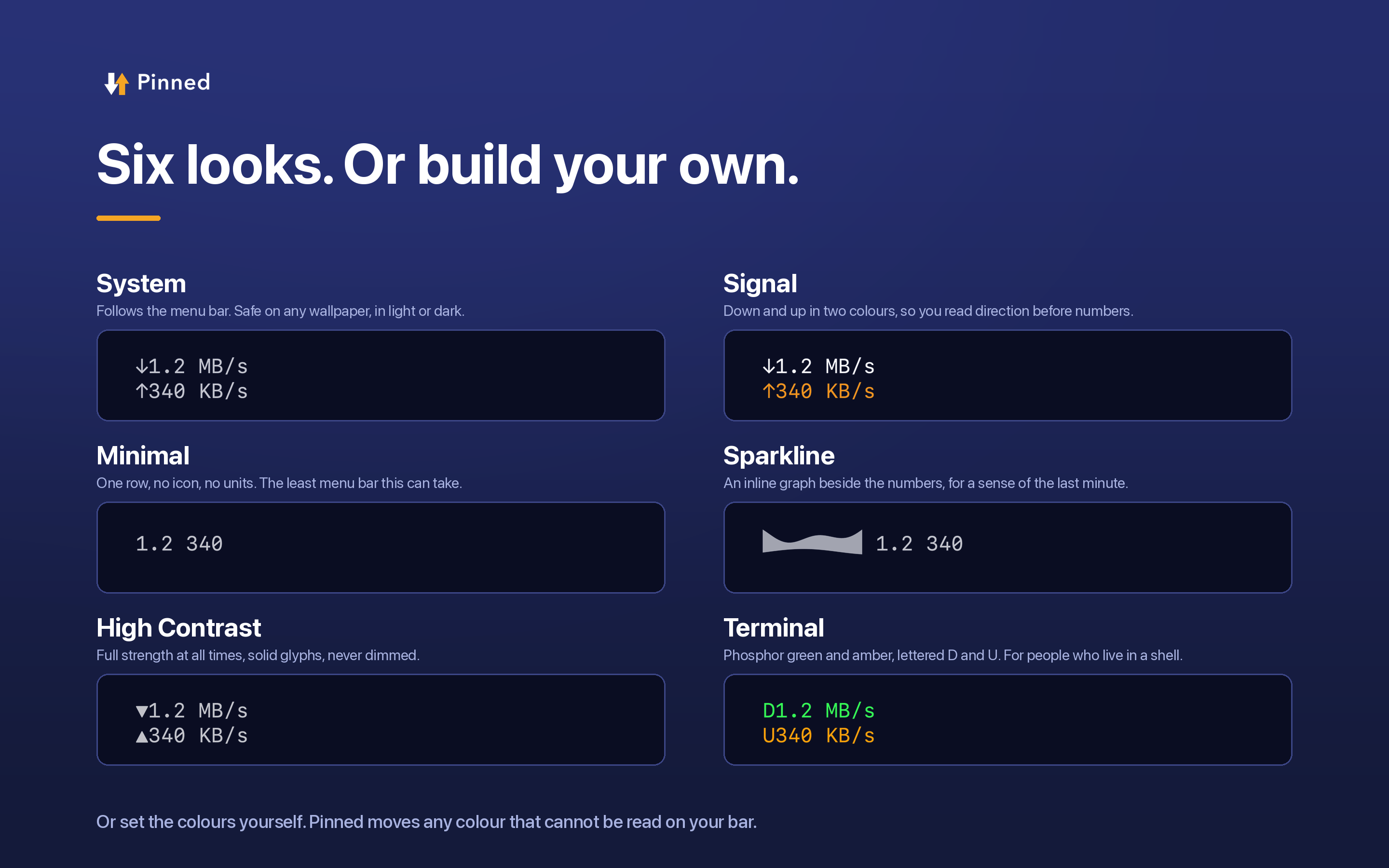
Including a dense operations-console look where colour means state rather than decoration. The previous themes only wrote a handful of menu bar preferences and were forgotten the moment anything else changed; now a theme is a set of tokens the renderer reads every frame.
The panel shows the Mac, not only the network
CPU, memory, storage, battery and uptime, each with the sentence behind the number. Memory takes its colour from the kernel's own pressure level rather than from a percentage, because macOS deliberately uses all the memory it can and a percentage threshold paints a permanent warning over a machine with nothing wrong with it.
For journalists and creators
A free year of Pinned Pro, with nothing attached to it.
If you write about Mac software, or make videos or a newsletter about it, ask for a code and you get a year of the paid tier at no cost. The app itself is already free, so the pass is for the features behind the subscription: per-app bandwidth, data caps, alerts, the responsiveness test and usage history.
- Email [email protected] from the address you publish under, with a link to something you have written or made. One line is enough.
- You get a single-use code for the Mac App Store, usually the same day.
- Redeem it in App Store, then Account, then Redeem Gift Card or Code. Pro switches on immediately.
No conditions: no embargo unless we agree one with you, no request for a review, no request for a rating, and no obligation to write anything at all. One thing said plainly rather than in small print: the code gives a year at no cost, and after that year it renews at the normal USD 4.99 unless you cancel, which you can do at any time in your Apple Account settings.
03 Screenshots
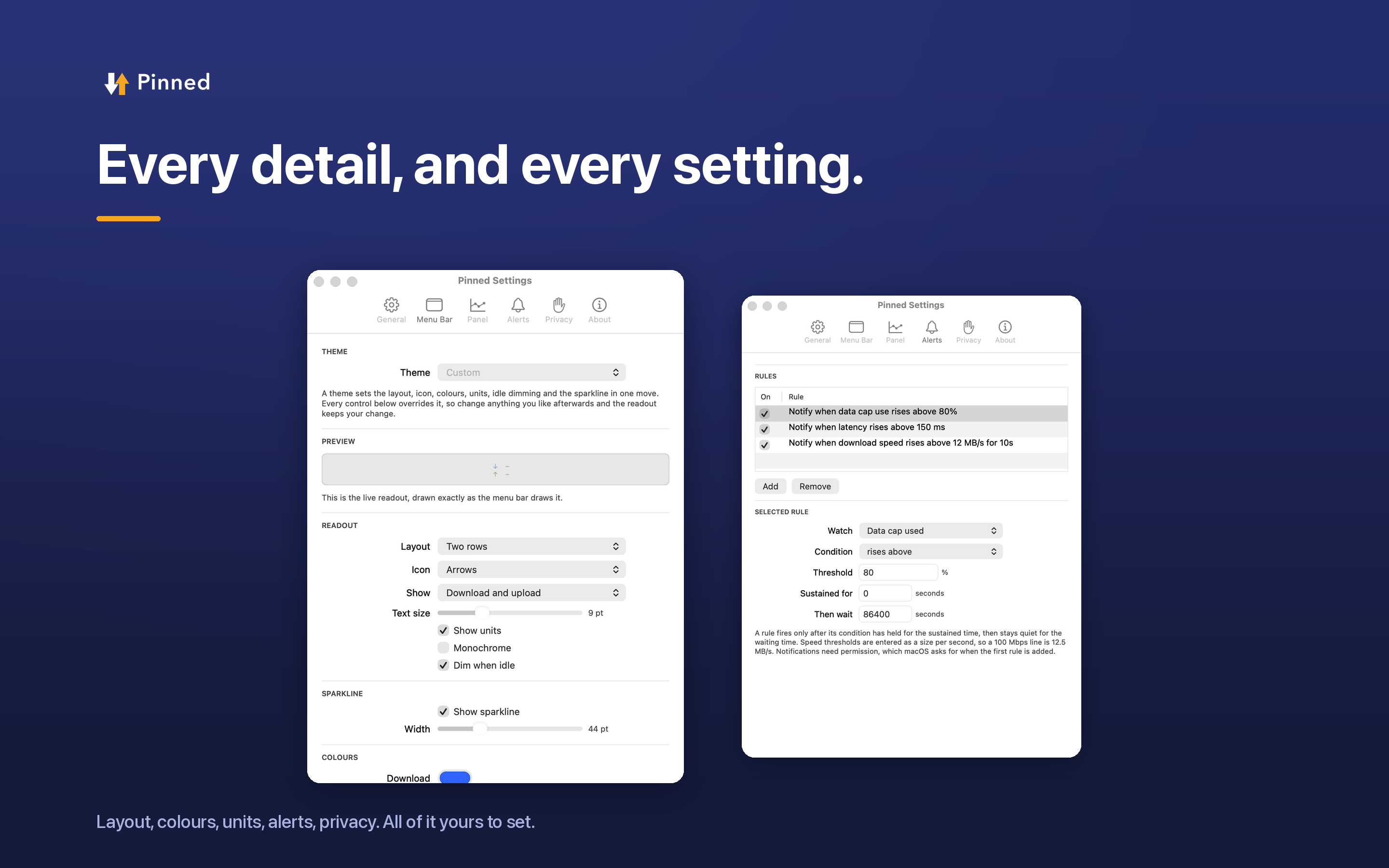
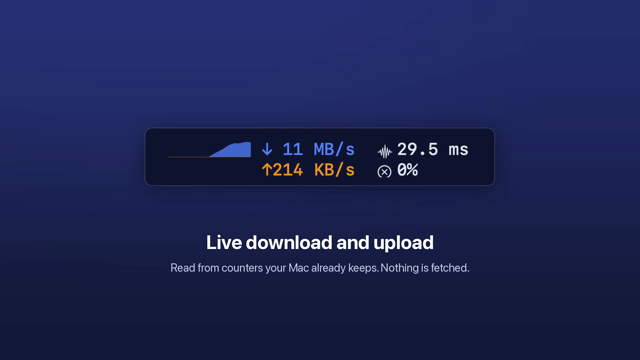
Rendered from the running app rather than mocked up, at 2880 by 1800. The same set exists in every shipping language; ask if you want a specific one and it will be rendered for you.

04 Assets
Use them as they are. Please do not recolour the mark, stretch the lockup, or set the name in another typeface.


05 What it does not do
This list is the most useful part of the kit, because it is the part that is specific. Each line is a thing that does not happen, and each one is checkable.
No account. There is nothing to sign into, and no identifier is created for you.
No telemetry. No analytics SDK, no crash reporter that phones home, no usage reporting.
No privileged helper and no kernel extension. Per-app bandwidth is read without either. The app is sandboxed.
No speed test running behind your back. Throughput is counted from bytes that already moved, so the readout costs no bandwidth. The one test that does use the link, the responsiveness test, runs only when you press its button and says so before it starts.
Three features can reach the network, and every one is off until you turn it on. The connectivity check, which pings a host you choose; the public IP lookup; and the weather module, which sends a position rounded to about a kilometre to a national weather service and nothing else. A fourth, the responsiveness test, runs only while you hold its button. The Privacy pane lists and counts them.
Nothing is stored about where you are. Location is asked for to show your Wi-Fi network’s name, which macOS will not reveal without it, and for weather if you turn it on. No coordinate is ever written to disk, and the only one that leaves this Mac is rounded to about a kilometre.
06 Contact
Written by one person in Muscat, so the reply comes from a person. [email protected] for codes, review units, a specific screenshot, a language you want rendered, or a question about how a number is measured. That last one is welcome: the method is the interesting part.